Live Wallpaper - Fun Art Magic
- 0.0
- Rating
- 1.00M
- Installs
- Free
- Price

 Analysis by App-foxy
Live Wallpaper - Fun Art Magic is the kind of personalization app I would try when my phone feels visually dull and I want something more expressive than a still background. Instead of treating the wallpaper as a forgotten image, it turns the screen into a small animated display built around moving artwork, playful expressions, fluid effects, and edge lighting. I found that approach appealing because it changes the mood of the device without asking me to replace the launcher or learn a complicated design tool.
The app comes from Neli Creative and is free to use. It is listed for Everyone, so its colorful presentation is easy to understand for a broad audience, including people who simply want a cheerful background rather than a serious customization project. Its main identity is clear: this is a live wallpaper app, not a photo editor, lock-screen organizer, or full theme system. That focus is both its charm and its main limitation.
How the animated wallpaper experience feels in daily use
My first impression was that the app is aimed at quick visual satisfaction. The selection centers on animated scenes rather than static photographs, with styles that range from high-resolution GIF-like artwork to silly smiling designs, flowing magical fluids, and glowing effects around the display edges. Those choices give the app a more playful personality than the usual wallpaper gallery filled with landscapes, abstract gradients, or celebrity images.
You May Also Like

 Blood Strike: 2.5 Anniversary
Blood Strike’s Loadouts Turn Every Drop Into a Tactical Gamble
A close look at Blood Strike’s custom loadouts: how fast access to signature weapons reshapes its battle royale rhythm, rewards preparation, and narrows the gap between fights.

 Pandora - Music & Podcasts
Pandora’s Music Is Easy to Start, but Harder to Recover
Pandora’s strength is its low-effort path from a seed to a station. Its weak spot is how much confidence it asks you to place in connection, setup, and quiet recovery.

 8 Ball Pool
 Is Built on Rivalries, Rematches, and Routine
A close look at the rivalries, rematches, shared routines, and unanswered safety questions that turn a quick pool match into a persistent mobile community.

 Samsung Music
’s Quiet Strength Is Playing What You Already Own
Its reach comes less from spectacle than from dependable access to a personal library. That simplicity is both the app’s strongest retention engine and its ceiling.

 AccuWeather: Weather Radar
AccuWeather Review: A Quick, Clear Forecast for Everyday Decisions
For everyday plans, the best forecast is the one you can understand quickly. AccuWeather makes rain timing, radar, and local conditions easy to act on, with a few trade-offs.

 Hill Climb Racing
Why Hill Climb Racing Still Turns Crashes Into One More Run
A tiny car, a bumpy hill and one more upgrade: Hill Climb Racing keeps resurfacing because its simple chaos makes every near-miss feel personal.
More From Our News Desk
View All News


I particularly like the variety in mood. A fluid animation can make the home screen feel calm and decorative, while a bright face or energetic edge effect gives the phone a more humorous, attention-grabbing character. That makes it easier to match the wallpaper to the device owner rather than settling for one visual style. I would choose a quieter effect for work and something more animated when customizing a personal phone.
The important thing to understand is that the wallpaper is always competing with icons, widgets, notification badges, and text. A design that looks impressive on an uncluttered preview may become distracting once the home screen is full. I recommend checking whether the central area remains readable before committing to an especially bright or busy animation. In practice, the best choice is not necessarily the most spectacular one; it is the one that leaves enough visual breathing room around the icons.
The strongest reason to install it is the ability to give an ordinary home screen a distinct personality in a few minutes. I do not need to build a theme from several separate apps, search for matching icons, or edit a video manually. That simplicity makes it more approachable than wallpaper tools designed for people who want complete creative control.
What makes the moving designs useful rather than merely decorative
A live wallpaper can be surprisingly effective as a small emotional reset. I often unlock my phone many times during a normal day, and a moving background gives those brief moments a little more character. It is not a productivity feature, but it can make a familiar device feel less repetitive. The silly smile designs are especially suitable for someone who wants a lighthearted phone rather than a polished, minimalist look.
The edge-lighting style also offers a different visual balance from a conventional animated image. Instead of filling the entire screen with motion, an effect concentrated near the borders can preserve more space for app icons. That is a useful trade-off for users who want animation but dislike a wallpaper that constantly pulls attention away from the interface. I would start with an edge-focused design if readability matters more than spectacle.
The 4K-oriented artwork sounds most attractive on a modern, sharp display, but higher visual detail does not automatically make every wallpaper better. Fine movement and bright color can become tiring if the screen is checked frequently. I would treat the most detailed options as something to rotate occasionally, while using a simpler fluid or border effect as a more comfortable everyday choice.
Where connectivity becomes part of the experience
The network side matters because a wallpaper catalog is more useful when its visual choices are easy to browse and apply. In a normal setup, I would expect the most convenient moment to explore new designs to be when the phone has a reliable connection, especially if the app needs to retrieve artwork or refresh its available choices. I would avoid starting a large browsing session while traveling or relying on an uncertain mobile signal, because interruptions can turn a quick customization task into repeated waiting.
I would also separate choosing a wallpaper from showing it. Once an animation has been selected and applied, the important question becomes how consistently the phone can display that result during everyday use. A brief connection problem is most frustrating when it happens while browsing, changing, or restoring a design, rather than when I am simply looking at the home screen. That distinction helps set realistic expectations without treating the app like a permanently connected social service.
For a practical routine, I would browse and test several designs at home, on a stable connection, then keep the one that works best with my icons. If I am preparing a phone for a child or a family member, I would do that selection in advance rather than handing over the device and expecting the person to explore a large animated catalog on a limited connection. The app is more enjoyable when discovery feels deliberate instead of rushed.
Using it on different phones and in different situations
The app requires Android 9 or later, which makes it relevant to many existing Android phones while still excluding older devices. I would check the operating system before recommending it to someone with an aging handset. Compatibility is not only about installation: animated backgrounds can feel very different on a compact budget phone, a high-refresh display, or a large screen with a dense icon layout.
On a phone used mainly for messaging and quick calls, a restrained design is likely to work better than a visually intense one. On a personal device used for entertainment, the more expressive options make greater sense. A teenager might enjoy a silly smile or colorful fluid, while someone using the same phone for work may prefer a subtle edge glow that adds movement without making the display look noisy.
Battery awareness is another sensible consideration. Live wallpapers continuously animate when the relevant screen is visible, so I would not choose the most active effect if extending battery life is a priority. I cannot treat every design as equally demanding: a sparse border animation and a detailed full-screen scene may create very different practical experiences. My advice is to begin with a calmer option, use the phone normally for a day, and switch styles if the visual effect feels excessive.
There is also a readability issue for people with accessibility needs or visual sensitivity. Rapid movement, strong contrast, and glowing borders may not be comfortable for everyone. In that case, a static wallpaper or a very subdued animated design would be a better choice. This is one area where a conventional image app can be more suitable, because still backgrounds offer predictable contrast and no motion.
What happens when browsing or applying a design goes wrong
Any app built around visual content can feel fragile when a connection drops at the wrong moment. If a preview takes too long to appear, I would first stop repeatedly tapping the same option. Repeated attempts rarely improve a weak connection and can make it harder to tell whether the design has actually been applied. Waiting briefly, returning to the previous screen, and trying again later is a more sensible recovery pattern.
If the home screen does not immediately show the expected result, I would verify whether the wallpaper change completed before changing several settings at once. A simple, controlled process makes troubleshooting easier: select one design, apply it, return to the home screen, and then judge the result. If the experience is interrupted during browsing, I would continue with a previously viewed option rather than starting the entire search again.
This is also why I would avoid making a last-minute wallpaper change before an important trip, presentation, or event. The app is intended for personalization, not for a situation where a failed visual change would create real inconvenience. A little preparation removes most of that pressure. I would choose a favorite while connected reliably and leave the phone alone once the screen looks right.
Recovery is easier when I remember that the wallpaper itself is not the same thing as the catalog experience. A catalog interruption may prevent me from exploring new designs, but it does not necessarily mean the phone has lost its entire visual identity. Keeping expectations modest helps: I see the browsing side as the discovery stage and the applied wallpaper as the everyday result.
Making the app friendlier to a limited data plan
Because animated and high-resolution artwork can be more demanding than a small still image, I would use some basic data discipline. I would browse new designs over Wi-Fi whenever possible, avoid changing wallpapers repeatedly just to compare tiny differences, and spend a few minutes deciding what style I actually want before applying it. This is not about avoiding the app; it is about treating visual content as something worth choosing carefully.
A useful workflow is to compare wallpapers by screen behavior rather than by thumbnail alone. First, I would look for a design with enough empty space for icons. Next, I would consider whether the movement is gentle or constantly attention-seeking. Finally, I would think about how often I unlock the phone. Someone who checks the screen hundreds of times may appreciate a quieter animation more than a person who uses the device occasionally.
I would also be cautious about rotating through many effects in one sitting. Constant experimentation is fun at first, but it can use more network access and make it harder to identify which design actually suits the phone. Choosing one fluid style for a few days, then comparing it with an edge-light option, gives a clearer sense of personal preference than switching every few minutes.
The free price makes this experimentation less risky financially, which is a real advantage over paid wallpaper packs or subscription-based personalization services. Still, free does not mean every user should accept every visual compromise. If the animation distracts from reading, feels uncomfortable, or does not fit the device, a free app is still the wrong tool for that person.
How it compares with ordinary wallpaper alternatives
Compared with a standard gallery app, Live Wallpaper - Fun Art Magic offers movement and personality instead of a single frozen image. A gallery is better when I want to use a favorite photograph, a clean color, or a background that never changes visually. This app wins when the goal is to make the screen feel alive without editing media or assembling a larger theme.
Compared with a full customization suite, it is more focused. A complete theme platform may change icons, fonts, widgets, and system colors, while this app concentrates on the wallpaper experience. I see that as a benefit for people who want a quick visual update without changing the rest of the phone. It is less suitable for someone who expects every part of the interface to share one coordinated design.
Compared with making a personal live wallpaper from a video or animation, the app is more convenient because the creative work is already centered on ready-to-use visual effects. The trade-off is control. A creator who wants a precise animation, personal footage, or carefully timed motion may prefer a dedicated editor. This app is for choosing an appealing result, not for building one frame by frame.
The catalog’s playful identity also separates it from serious abstract wallpaper collections. If I wanted a calm photographic landscape or a restrained professional background, I would look elsewhere. If I wanted a phone that makes me smile when I unlock it, the animated faces and magical fluid styles are much more convincing than another generic gradient.
Who should install it and who should skip it
I would recommend it to Android users who enjoy visual novelty, want a free way to refresh the home screen, and do not mind the extra movement that comes with a live background. It is a good fit for personal phones, secondary devices, and anyone who sees customization as a small form of self-expression rather than a technical hobby.
I would be more selective for people who prioritize maximum battery endurance, use older hardware, need a completely static interface, or find animated motion distracting. A static image app is the better choice for those users. I would also skip it if the real goal is a full launcher makeover, because a wallpaper-only app cannot replace icon packs, widgets, or system-wide theme controls.
The age rating of Everyone makes the presentation broadly approachable, but that does not mean every visual style will suit every person. The right choice depends on taste, screen readability, and how much animation feels comfortable during repeated daily use. I would let those practical factors decide rather than choosing solely from the most eye-catching preview.
Version, reach, and my final connectivity verdict
The app is currently at version 1.2.12 and has passed the one-million-install mark, which suggests that the concept has reached a substantial Android audience. Its average rating is shown as 0.0, so I would not use that figure as a meaningful guide to quality. Instead, I would judge it by the specific experience I want: animated personalization with a playful selection of visual effects.
Its release date is February 27, 2026, and the Android requirement begins with version 9. Those details matter when deciding whether to install it on an older phone or recommend it to someone whose device has not been updated recently. For a compatible device, the free entry point makes trying a few styles straightforward.
Connectivity shapes the discovery process more than the basic appeal of the finished wallpaper. I would explore designs on a dependable connection, avoid treating mobile data as unlimited, and give each chosen effect enough time to prove whether it is comfortable and readable. That approach reduces frustration and makes the animated background feel like a considered part of the phone rather than a constantly changing experiment.
My overall view is positive, with clear boundaries. Live Wallpaper - Fun Art Magic is not the answer for deep theme customization or strict battery minimalism, but it succeeds at making the home screen more lively with very little effort. If you want a free, playful visual refresh and are willing to choose animation thoughtfully, I would recommend giving it a try. Neli Creative has kept the idea focused, and that focus is exactly what makes it useful for the right kind of Android user.
FAQs for Live Wallpaper - Fun Art Magic
01What features does Live Wallpaper - Fun Art Magic offer?
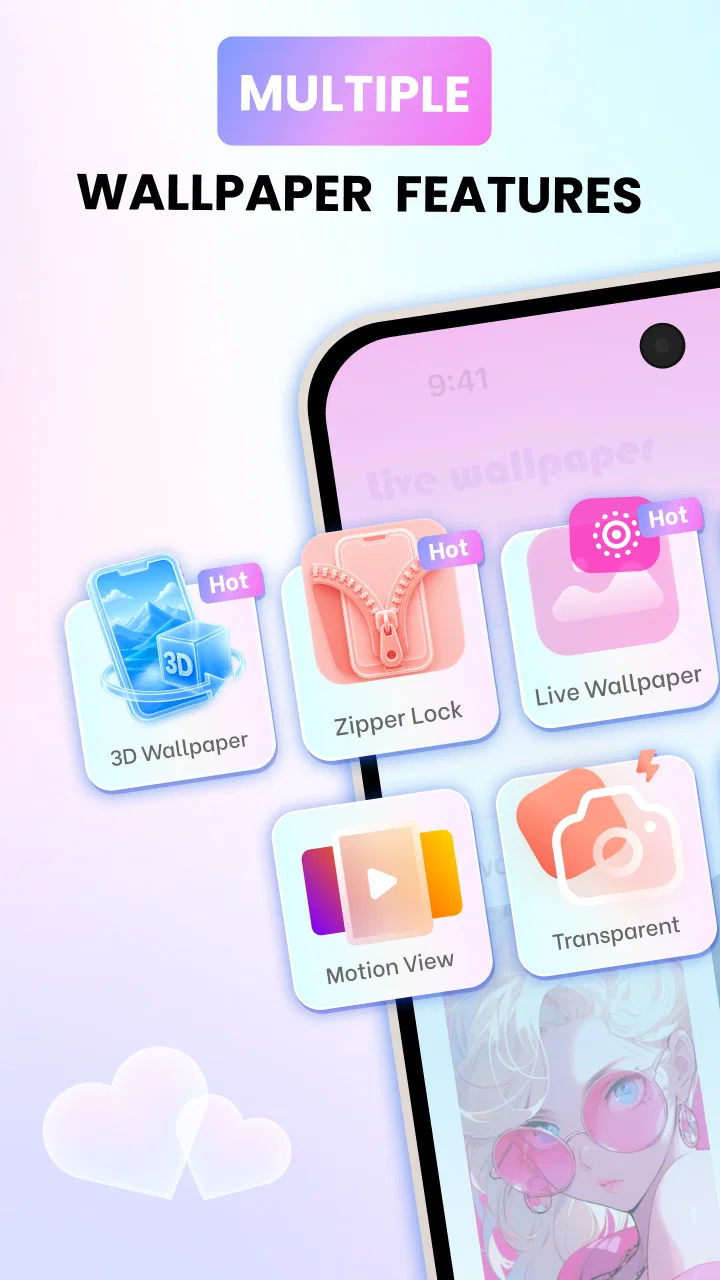
Live Wallpaper - Fun Art Magic provides a variety of dynamic wallpapers that bring your screen to life. It includes features like 3D effects, interactive animations, and customizable settings. Users can choose from a wide range of themes and styles, ensuring the app caters to different aesthetic preferences and moods.
02Is Live Wallpaper - Fun Art Magic compatible with all devices?
The app is designed to work on most Android and iOS devices, but it may not be fully compatible with older models. Ensure your device’s operating system is up-to-date to enjoy all features seamlessly. It’s always a good idea to check the app’s compatibility list on the app store before downloading.
03Does using live wallpapers drain battery life significantly?
Live wallpapers can consume more battery than static images because they require more processing power. However, Live Wallpaper - Fun Art Magic is optimized for efficiency, minimizing battery drain. Users can adjust settings to balance visual appeal and battery usage, ensuring a smooth experience without excessive power consumption.
04Are there any in-app purchases or ads in Live Wallpaper - Fun Art Magic?
Yes, the app offers in-app purchases for premium features and access to exclusive content. While the free version includes ads, purchasing the premium version can provide an ad-free experience. This allows users to enjoy uninterrupted access to all the captivating wallpapers and customization options.
05How can I personalize my wallpapers using Live Wallpaper - Fun Art Magic?
The app allows users to personalize their wallpapers by adjusting animation speeds, selecting preferred themes, and even creating custom designs. Users can also set different wallpapers for the lock screen and home screen, allowing for a highly personalized user experience that reflects individual tastes and preferences.
Pros
- Highly customizable settings available.
- Wide variety of themes and designs.
- Smooth animation performance.
- Minimal battery consumption.
- User-friendly interface.
Cons
- Contains in-app advertisements.
- Limited free options available.
- May require frequent updates.
- Some themes need purchase.
- Not all designs are HD quality.

Live Wallpaper - Fun Art Magic
Gallery